Time & Tasks
Tasks
$0.00
You're using Bidoro as a guest — your tasks, scores, and timeline live only on this device.
Sign up free to unlock cloud sync — pick up where you left off on your phone, tablet, or another browser, and never lose a session.
Tap a chip to toggle. Double-tap a label to rename, double-tap a score to edit.
One quote per line. A random one shows in the top bar — re-picked once an hour.
✓ Signed in as —
Sign up to use Bidoro Web on your computer.
Add a task.
Choose the app language. "Auto" follows your device. Money shows in the matching currency.
Set how many sides and name each one. Description is painted on the bucket; Direction and Diagnostic are the coaching lines shown when you tap that side.
Bid on your time: plan it, focus, and watch the rewards fill your bucket.
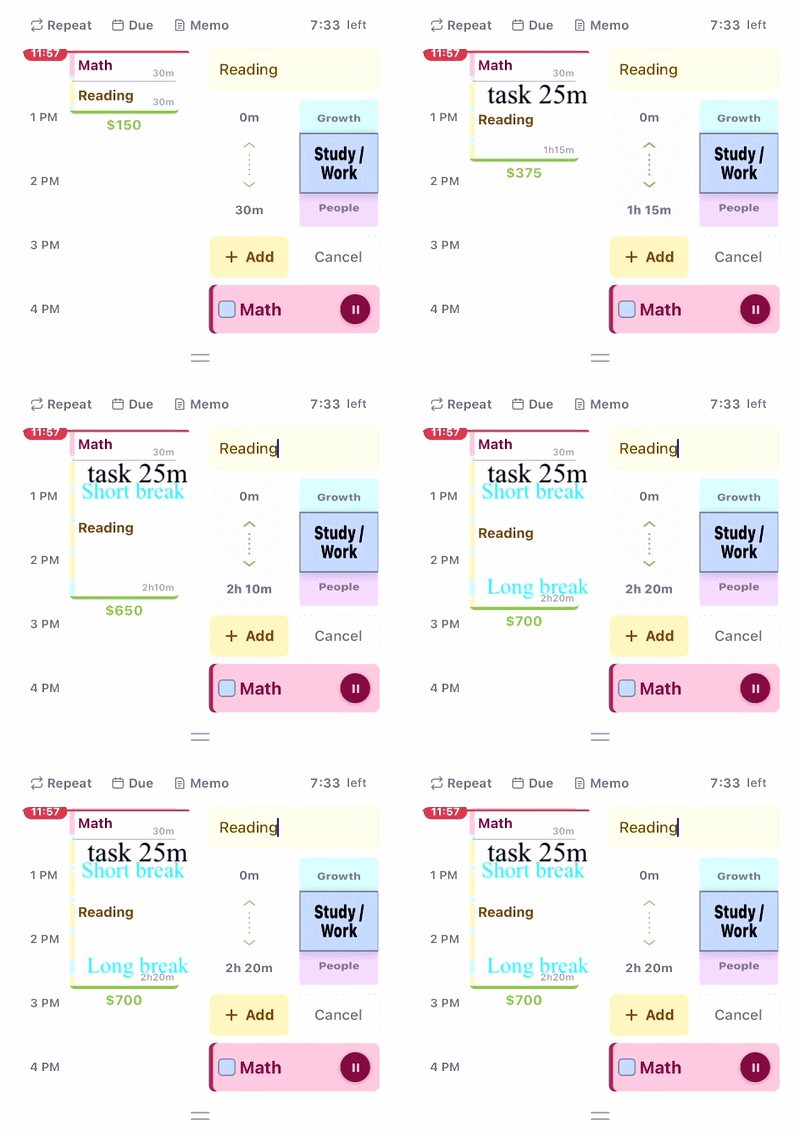
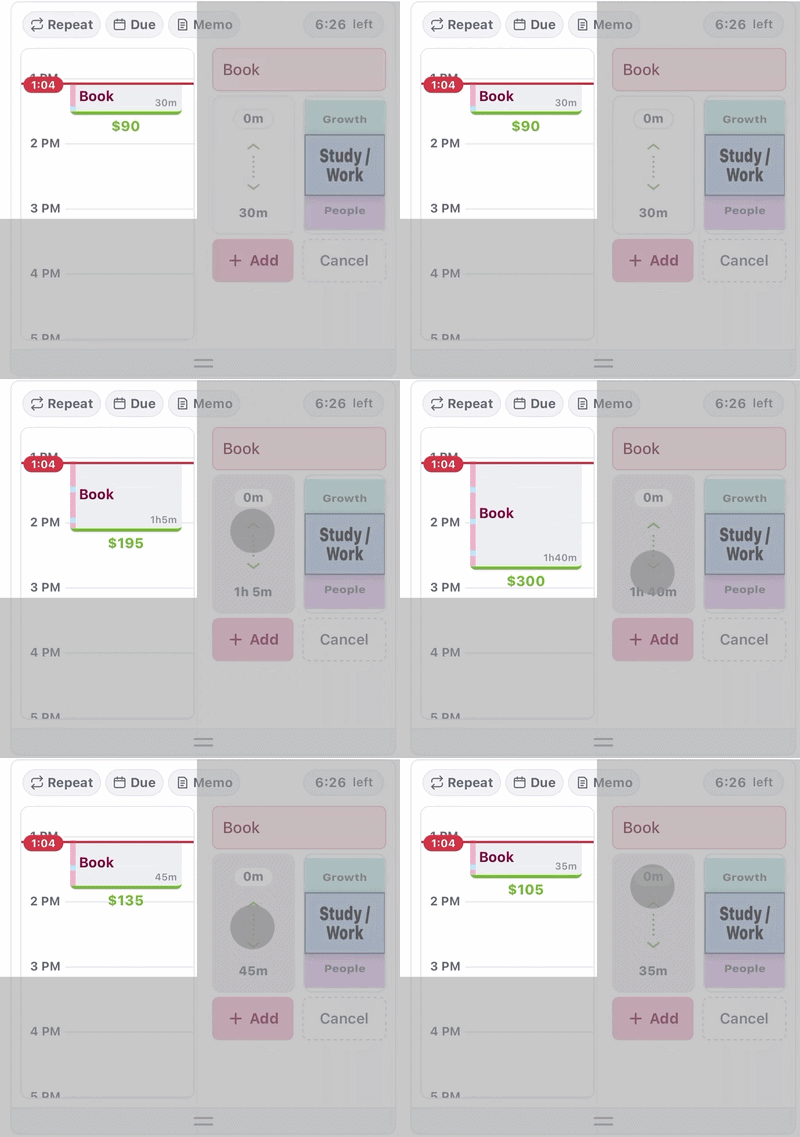
On the home page, tap + Add and pick a quadrant (urgency × importance). Drag the slider to set how long it should take.
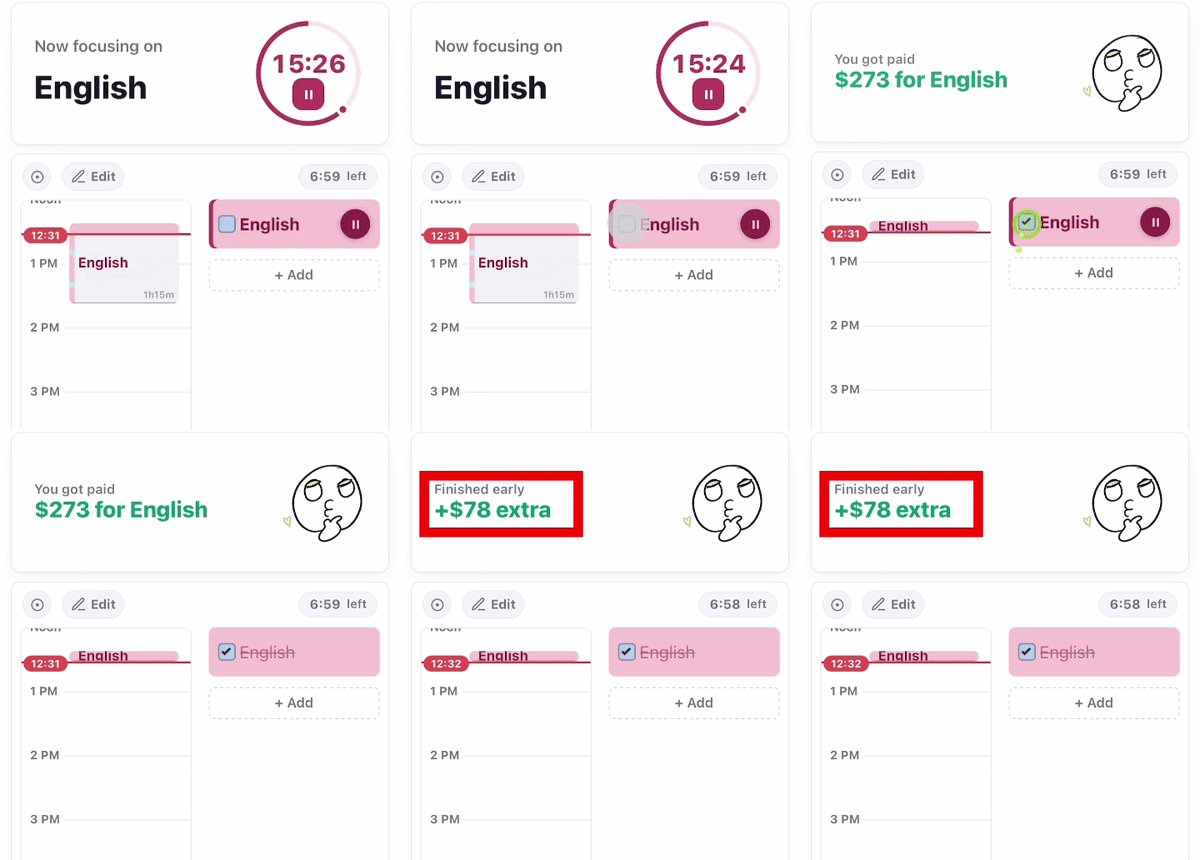
Tap a task to start its timer. Each focus block is a pomodoro (work, then a short break). Use Shuffle to auto-lay tasks on the timeline, or Edit to move and resize blocks by hand.
Finishing focused work earns money (shown above the bucket) and pours water into your 7-pillar bucket — one face per life area (Mind, Body, Money…). Tap the 🌱 to water your garden.
Set your start time and a “get things done by” deadline with the clock chip next to Time & Tasks — the blue line on the gauge is your target.
Your Notes (and shared notes from others) rotate in the top bar to keep you company. Write them from the menu → Notes.
Statistics — your daily/weekly focus history. Settings — sound, theme, timer & reward rules, account. Notes — feelings & quotes for your top bar. Help — this page.
Each 30 min on a bucket side fills a half-ring (clockwise from 12).


filename.mp3 for 3 seconds.audio/focus/; the playlist is read from audio/focus/playlist.json.+1h / +30m / +10m to bump the time, Current Time to start from now, or Clear to wipe the goal. Set goals show as colored lines on the vertical gauge.+$10 / +$5 / +$1, −$1 / −$5, and ↺ Reset (back to the default in Edit Earning for Tasks). No free-form input — every change is in fixed steps.⤢ / ⤡ button next to the "Tasks" title flips between the default 4-cell vertical stack and a swipeable 2×2 grid. Tapping the title text instead toggles the whole panel collapsed.MAR 24 · 14:32 → 15:18 · 0:46:00). The whole panel hides itself when the week has no notes.▾ / ▸) to the right of each title shows the state.Finish today's tasks by...
When does this task start repeating?
One per line · re-picked hourly
Shared anonymously; others appear in green.
Using a web browser?
Create a free account to use Bidoro in a web browser and sync across devices.